> ## Documentation Index
> Fetch the complete documentation index at: https://docs.getarca.app/llms.txt
> Use this file to discover all available pages before exploring further.
# Welcome to Arca
> Get started with Arca and learn the core features for managing work and collaborating with your team.
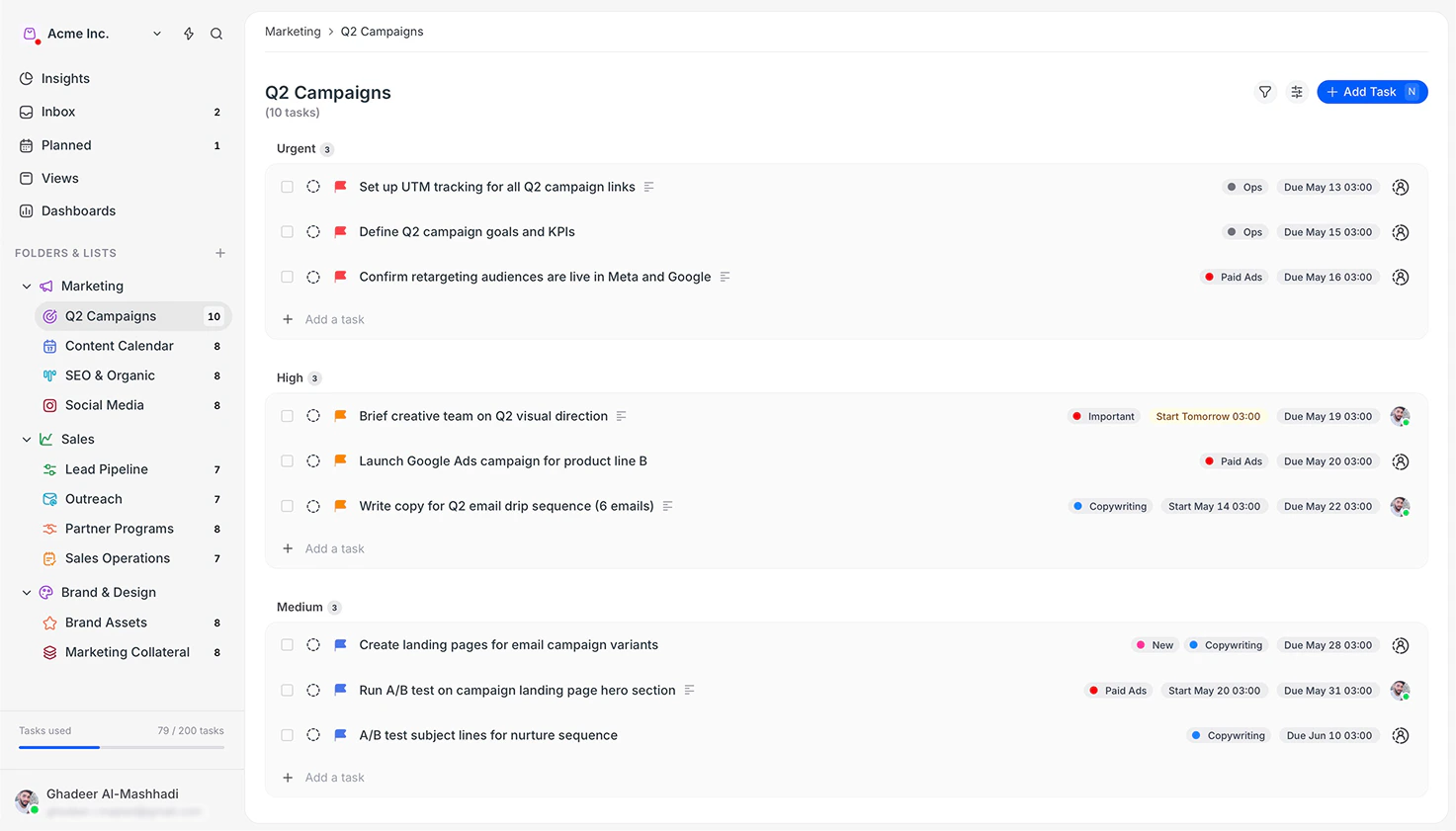
 Arca is a task management app built for teams who want clarity without complexity. It helps you capture work, assign ownership, track progress, and collaborate, all in one place, without scattered to-do lists or missed commitments.
## Why teams use Arca
* **One place for all your work:** tasks, calendar, and conversations live together, so nothing gets lost across chat, email, and spreadsheets
* **Clear ownership:** every task has an assignee, so there's never a question of who is responsible
* **Real-time collaboration:** comments, mentions, and notifications keep your team aligned without endless status meetings
* **Flexible views:** see your work as a list, board, calendar, or timeline based on what you're planning
* **Progress at a glance:** dashboards and insights show how work is progressing across your whole workspace
## Get started quickly
Understand how Arca structures work: workspaces, folders, lists, and tasks.
Install the desktop app on macOS, Windows, or Linux.
Start tracking work by creating tasks, assigning teammates, and setting due
dates.
Save custom views to focus on the tasks that matter most right now.
Use Claude, Cline, or other AI tools to manage Arca with natural language via
MCP.
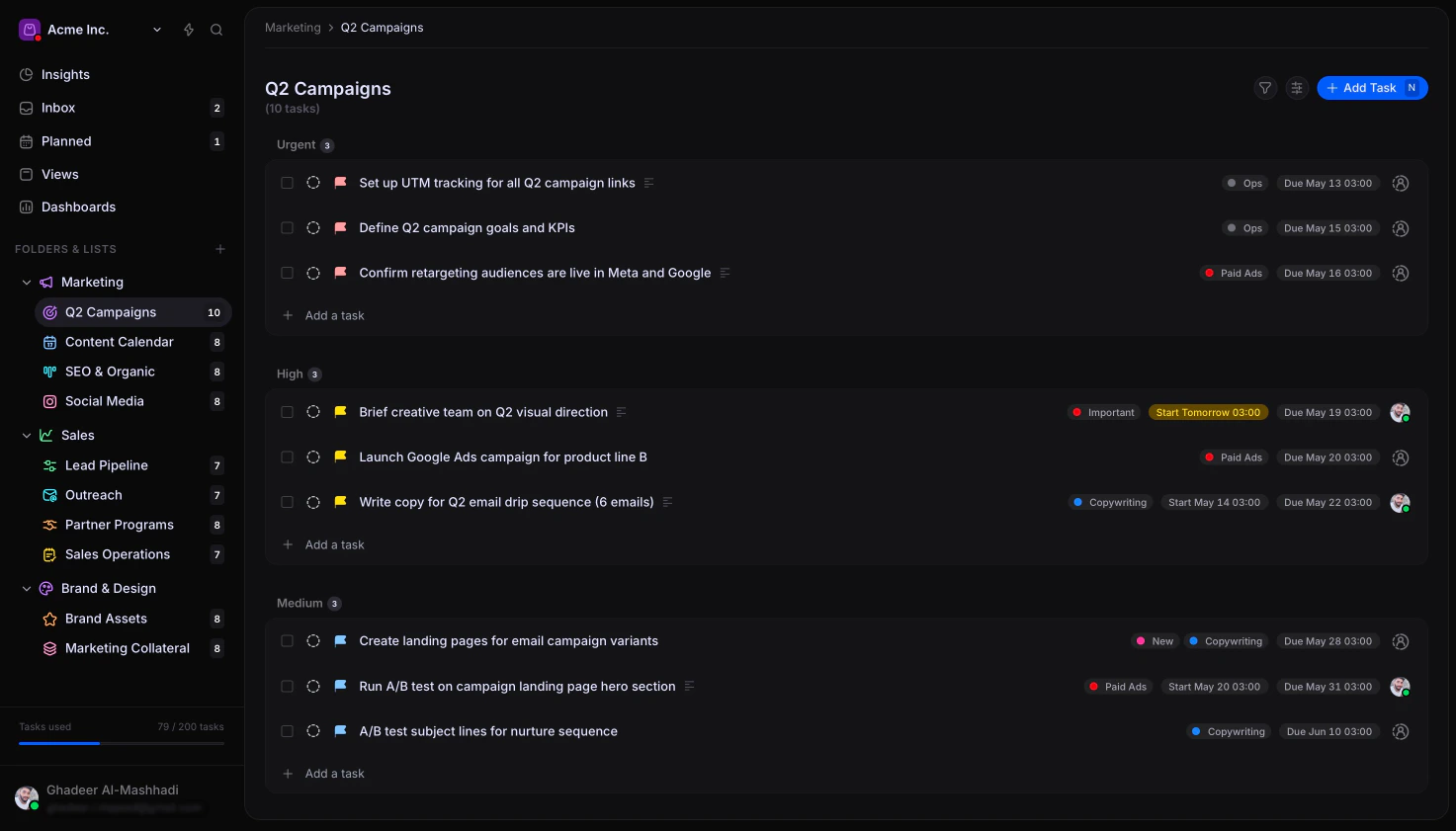
Arca is a task management app built for teams who want clarity without complexity. It helps you capture work, assign ownership, track progress, and collaborate, all in one place, without scattered to-do lists or missed commitments.
## Why teams use Arca
* **One place for all your work:** tasks, calendar, and conversations live together, so nothing gets lost across chat, email, and spreadsheets
* **Clear ownership:** every task has an assignee, so there's never a question of who is responsible
* **Real-time collaboration:** comments, mentions, and notifications keep your team aligned without endless status meetings
* **Flexible views:** see your work as a list, board, calendar, or timeline based on what you're planning
* **Progress at a glance:** dashboards and insights show how work is progressing across your whole workspace
## Get started quickly
Understand how Arca structures work: workspaces, folders, lists, and tasks.
Install the desktop app on macOS, Windows, or Linux.
Start tracking work by creating tasks, assigning teammates, and setting due
dates.
Save custom views to focus on the tasks that matter most right now.
Use Claude, Cline, or other AI tools to manage Arca with natural language via
MCP.