

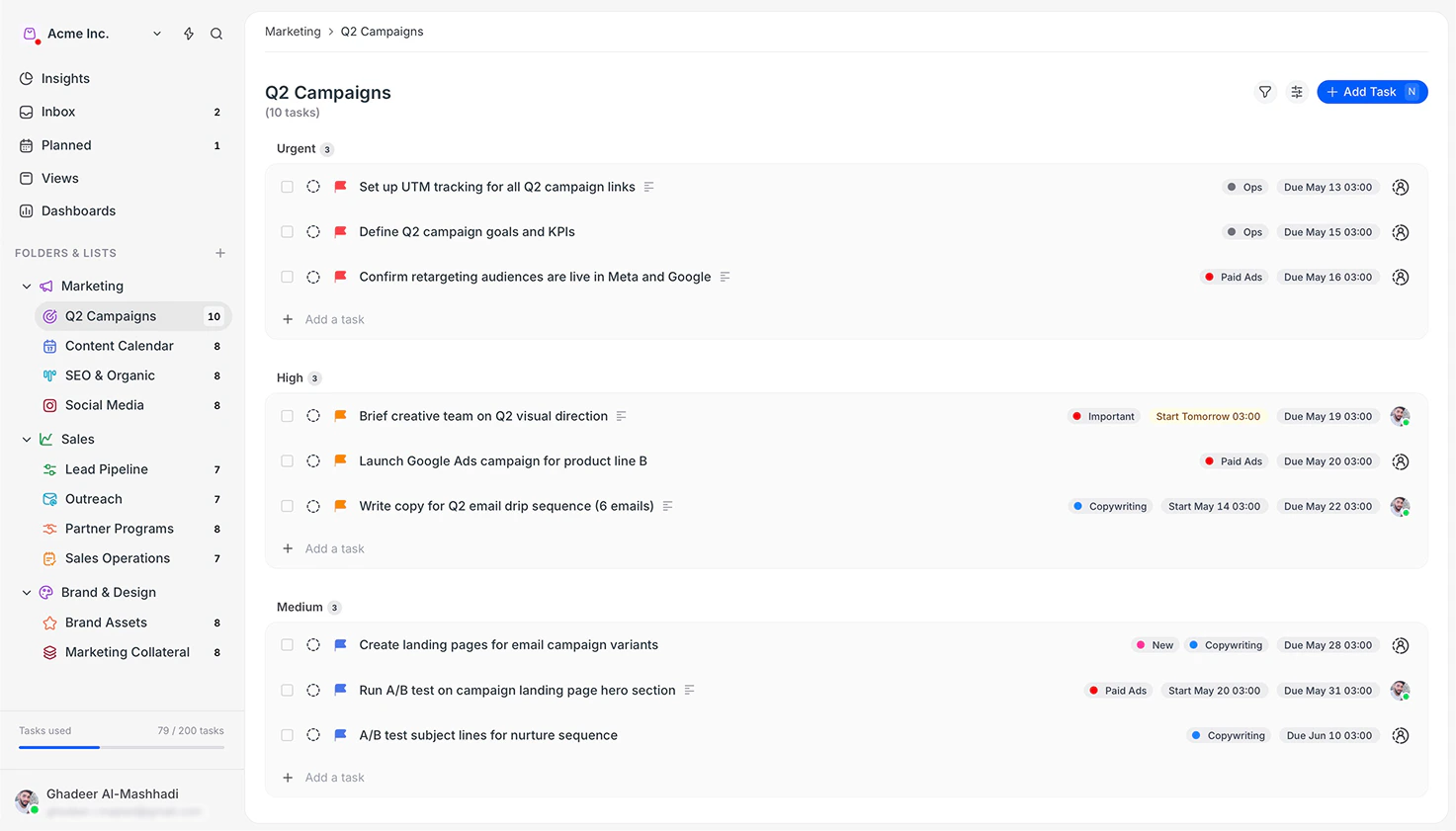
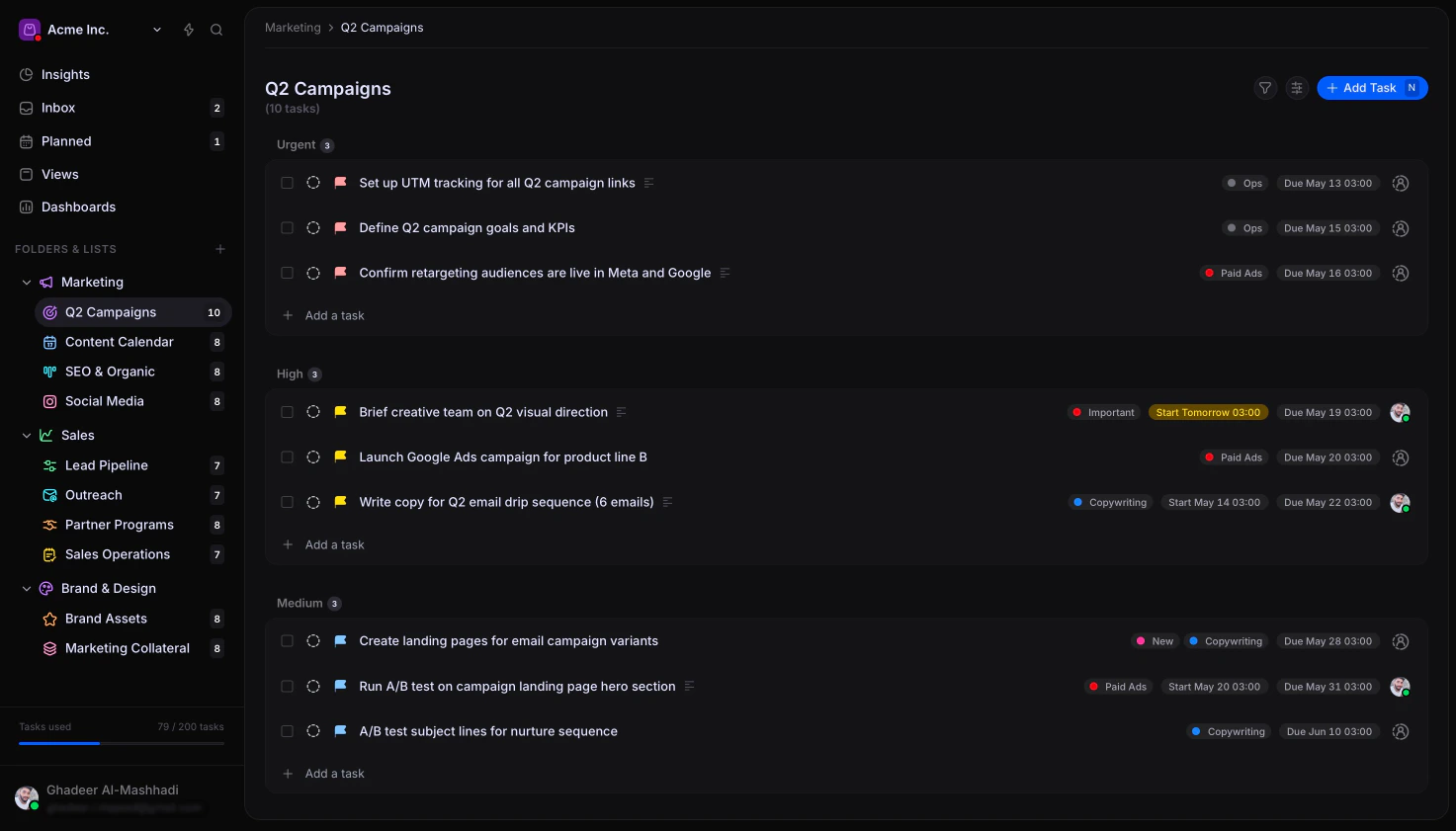
Arca Insights
Why teams use Arca
- One place for all your work: tasks, calendar, and conversations live together, so nothing gets lost across chat, email, and spreadsheets
- Clear ownership: every task has an assignee, so there’s never a question of who is responsible
- Real-time collaboration: comments, mentions, and notifications keep your team aligned without endless status meetings
- Flexible views: see your work as a list, board, calendar, or timeline based on what you’re planning
- Progress at a glance: dashboards and insights show how work is progressing across your whole workspace
Get started quickly
Learn core concepts
Understand how Arca structures work: workspaces, folders, lists, and tasks.
Download Arca
Install the desktop app on macOS, Windows, or Linux.
Create your first task
Start tracking work by creating tasks, assigning teammates, and setting due
dates.
Explore views
Save custom views to focus on the tasks that matter most right now.
Connect your AI assistant
Use Claude, Cline, or other AI tools to manage Arca with natural language via
MCP.